
iPhone Parts and Service History: How to Check a Wholesale Lot
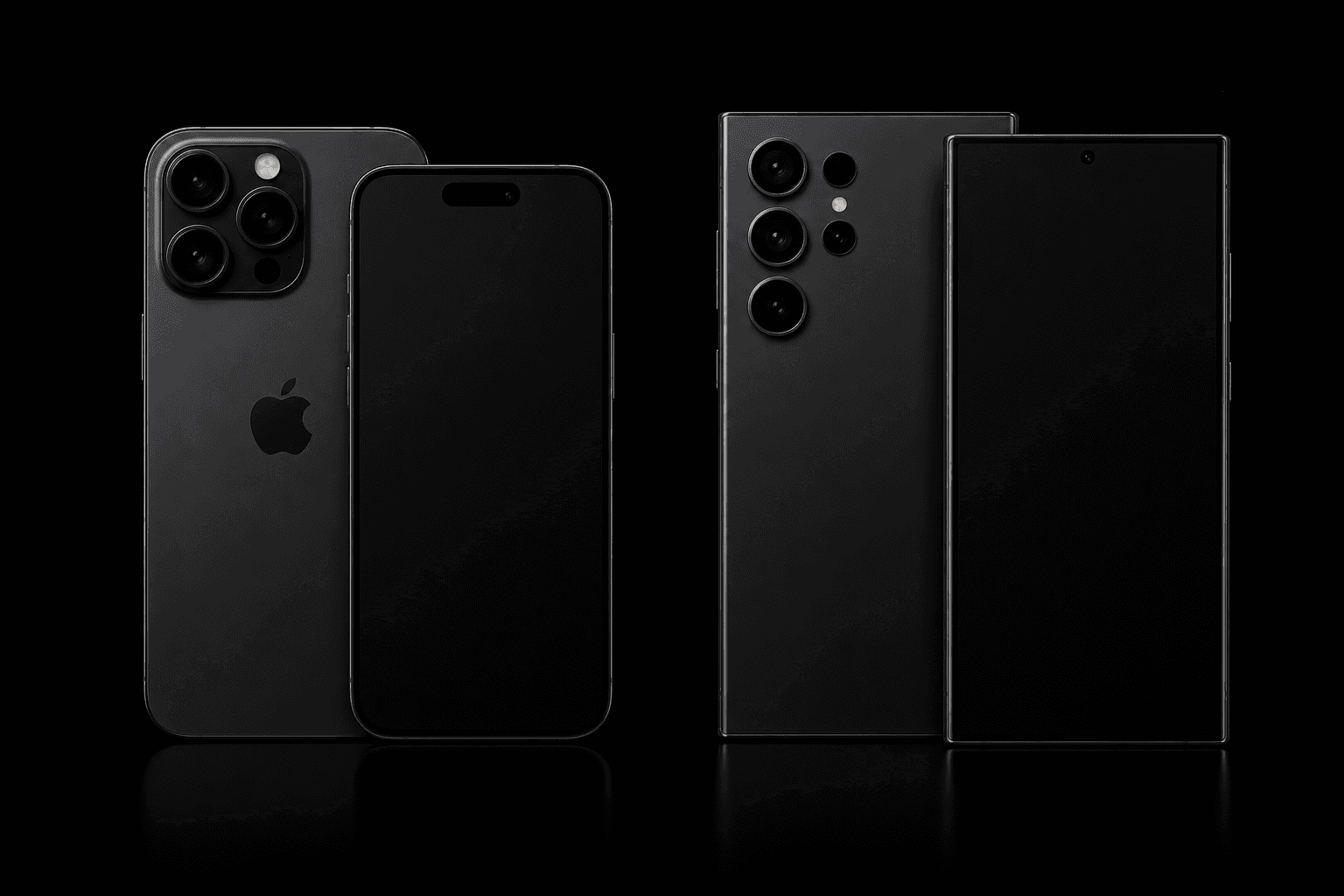
iPhone Parts and Service History, in Settings on iOS 15.2 and later, shows whether a repaired iPhone's parts are genuine Apple parts [1]. It works one phone at a time, which is fine for a single trade-in and slow for a wholesale lot. To check a lot of 500, connect each iPhone to a testing station that reads the same Apple parts and service messages, and record the result with the device's history.
Checked against Apple's support pages and Phonecheck's help center, October 2026.
See a parts check on your own stock
What Parts and Service History shows
Open Settings, tap General, then tap About. If the iPhone has been repaired, a Parts and Service History section appears on that screen [1]. Next to each serviced part, iOS shows one of four labels [1]:
- Genuine: the repair used genuine Apple parts and processes.
- Unknown: shown in some situations, such as a part replaced with a nongenuine one or a part that isn't working as expected.
- Unverified: the logic board was previously replaced in a repair, which can affect features such as Apple Pay.
- Used: the part was already installed in another iPhone.
A part also shows Finish Repair until the repair is completed in Apple's Repair Assistant, which installs the calibration data a replaced part needs [2]. A part repaired twice shows just its latest repair [1]. Apple says the messages don't affect use of the iPhone unless the description says so [1].
Which parts iOS can flag, by model
Coverage depends on the model, so one lot can report different amounts of detail phone by phone [1]:
| Model | Battery | Display | Logic board | Front camera | Rear cameras | Touch ID |
|---|---|---|---|---|---|---|
| iPhone Duo | Yes | Yes | Yes | Yes | Yes | Yes |
| iPhone 12 models and later | Yes | Yes | Yes | Yes | Yes | |
| iPhone 11 models | Yes | Yes | ||||
| iPhone XR, XS, XS Max, SE (2nd and 3rd generation) | Yes |
In Apple's table, display and front camera can each mean an inner or an outer part [1].
On iOS versions earlier than 15.2, Settings can only tell you whether a replacement part is identified as Unknown [1]. An older phone with a clean About screen has told you less than a recent one.
What an Unknown label does and doesn't prove
Apple lists several reasons a part can show as Unknown: it isn't a genuine Apple part, it isn't working as expected, it hasn't been verified and linked to the iPhone after the repair, or it has been modified or can't be verified [1]. So Unknown is a flag to inspect, not proof of a counterfeit part. A part flagged Unknown can affect what the phone is worth at trade-in [1].
Used genuine parts are a separate case. In 2024 Apple said Parts and Service History would start telling new genuine parts apart from used ones [3]. Today a repair finished with genuine parts and Apple's calibration is labeled Genuine or Used [1]. Even a genuine reused part can perform less consistently, because of its earlier use or modification [1]. Price Used parts as their own grade, not as Unknown.
Locked parts: the check most buyers skip
In 2024 Apple announced it would extend Activation Lock to iPhone parts, to deter stolen phones from being stripped for parts [3]. Some reused parts, including batteries, built-in displays, front cameras and Touch ID sensors, can stay linked to another person's Apple Account [4]. Until it is unlocked with that account, the part keeps a Finish Repair label, isn't covered by Apple's warranty or AppleCare, and the device can't be traded in [4]. Apple can't remove the lock for you; the owner or seller has to [4].
For a wholesale buyer, that makes a locked part a seller problem to settle before payment, not after.
Why Settings doesn't scale to a wholesale lot
Settings answers the question for the phone in your hand. A lot of 500 means opening 500 About screens and writing down 500 results by hand. A testing station reads the same data as each phone connects. Phonecheck scans every connected iPhone for Apple's parts and service messages, adds its own analysis for previously identified non-genuine parts, and shows each device as Genuine, Not Genuine or N/A, with a parts summary report from the device tile. N/A means the device doesn't report complete parts information. The results are stored in the Phonecheck cloud with the device's diagnostics.
How to check a lot of 500 iPhones
- Screen the IMEI list before you buy. A bulk IMEI check from the Phonecheck Cloud portal returns blacklist, iCloud (Find My) and carrier results for each device, with a history report link per device and an Excel download.
- Agree the terms on flagged parts. Settle with the seller how Unknown, Used and locked parts are priced or returned before the lot ships.
- Connect every phone at intake. As each iPhone connects, Phonecheck reads its parts status and runs its lock checks: whether it is blacklisted, financed, carrier-locked or MDM-enrolled, plus an automatic iCloud check. The 80+ point diagnostics run on the same connection.
- Sort by parts status. Genuine units move on to grading. Not Genuine units go to inspection and repricing. Check N/A units by hand in Settings, using the model table above to see what iOS can report for that model.
- Keep the record. Each device's Device History Report carries its repair-history findings with its diagnostics, battery health and lock status, and Phonecheck Desktop can export each device's data as JSON or XML for your own records or a vendor claim.
- Send locked parts back to the seller. Any part that shows Finish Repair because it is locked to another Apple Account needs the previous owner to remove the lock [4].
Bring parts checks onto your intake floor
If parts checks are still a spot check in Settings, they can become a recorded step on every phone you connect. See bulk phone testing with Phonecheck and what the Device History Report records, or request a demo and run your own lot through it.
Frequently asked questions
Can you tell if an iPhone screen was replaced?
On iPhone 11 models and later, Parts and Service History lists the display after a repair, with a Genuine, Unknown or Used label [1].
Does a non-genuine battery show in Settings?
The battery is listed on iPhone XR, XS, XS Max, SE (2nd and 3rd generation) and later models, and a nongenuine replacement can show as Unknown [1].
Does a used genuine part show as Unknown?
Not when the repair was completed with genuine parts and calibration: the part shows Genuine or Used [1].
What does an Unverified message mean?
The logic board was previously replaced, which can affect features such as Apple Pay [1].
How do you check parts on a whole lot of iPhones?
Connect each phone to a testing station. Phonecheck reads Apple's parts and service messages on connection and records each iPhone as Genuine, Not Genuine or N/A.
Can a locked part be unlocked without the previous owner?
No. Apple can't remove Activation Lock for previously used parts, so the owner or seller has to remove it [4].
Sources
- iPhone Parts and Service History, Apple Support, October 22, 2026.
- Use Repair Assistant to finish an iPhone or iPad repair, Apple Support, October 22, 2026.
- Apple to expand repair options with support for used genuine parts, Apple Newsroom, April 11, 2024.
- If a part is locked to someone else's Apple Account, Apple Support, April 29, 2026.